Finding The Full Old YouTube Banner

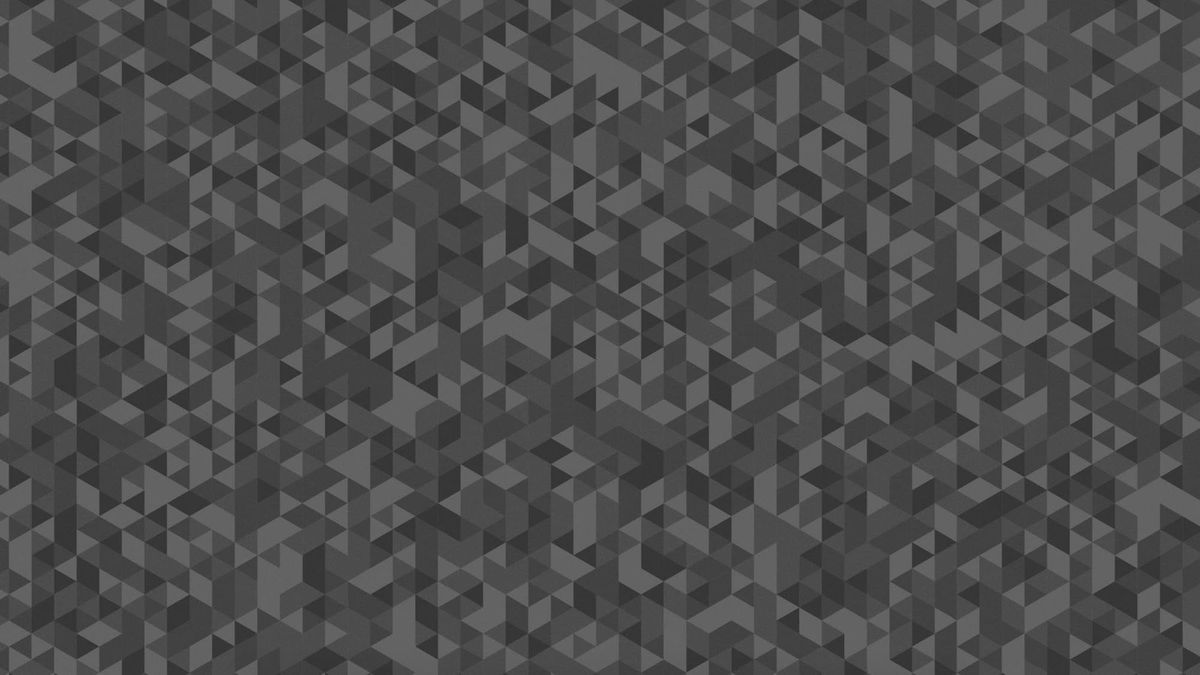
When I made my second channel a few months ago, I got the idea of making the banner the old default banner that YouTube had. As it turns out it's not available directly on YouTube anymore, and I couldn't find a good resolution version of it; even the best I found wasn't full-sized but just cropped to desktop. This led me to just recreating it by hand in Illustrator, where I used the image I had as a reference, and used a randomized colour plugin to fill in the rest. If you're curious about that here are the files:

Anyways, yesterday I suddenly noticed something: even though channels without a banner don't have one set by default in most devices anymore, they still do on TVs, and it's fully visible since the full size is meant to be seen on TVs. Once I noticed this, I set out to get the original files.
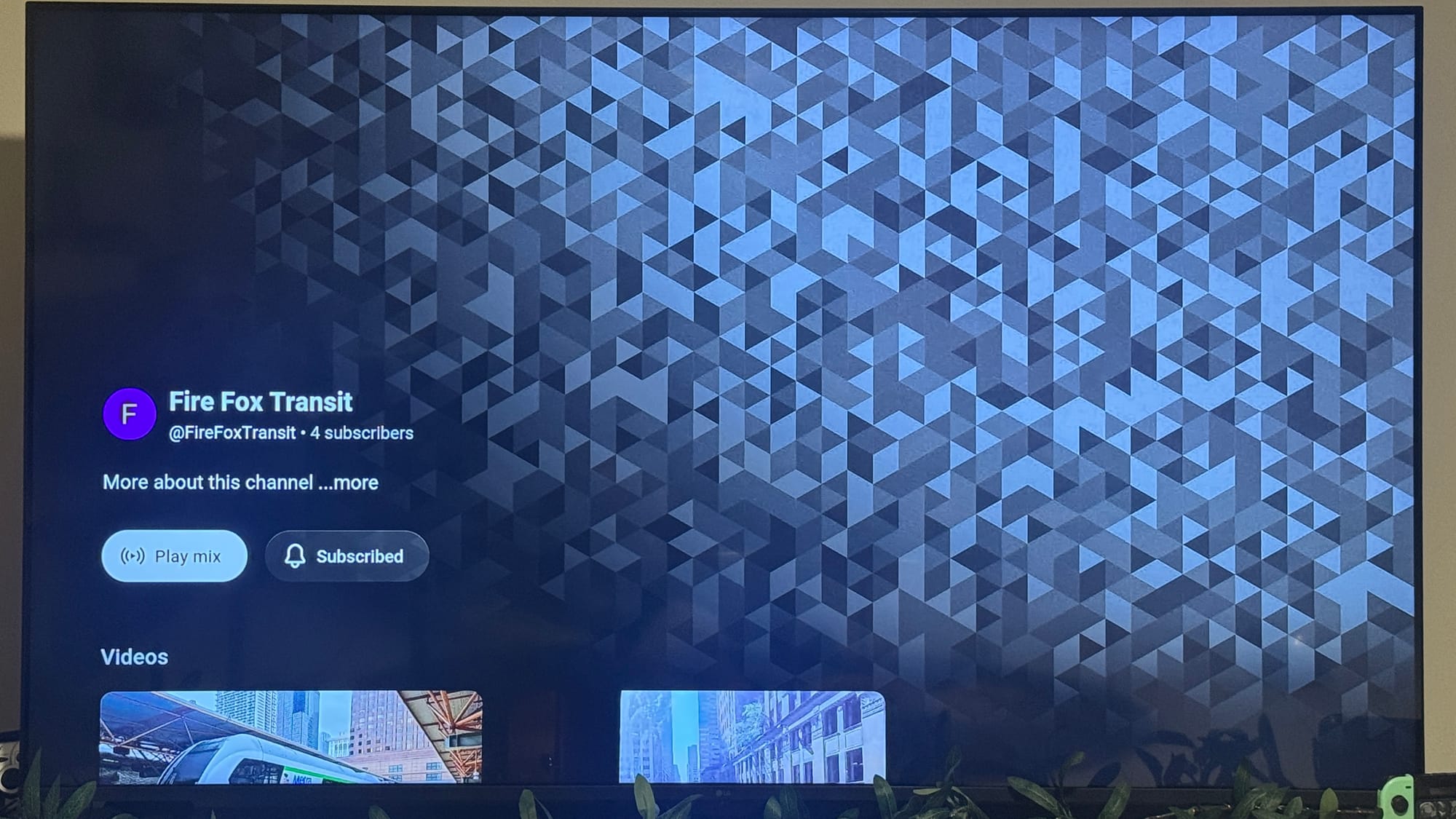
Fortunately, this wasn't hard at all! As it turns out, YouTube on TVs is literally just a webpage, and the apps essentially just emulate it. This means that if I found a way to get it on a browser I could then find a way to get the image directly!
The TV version of YouTube does sense if you're on a TV, and it redirects you to the regular site if you aren't, but fortunately this was a pretty easy bypass! I personally use Firefox, so I found an extension that fixes this issue (here's a Chromium version for those curious), and it worked perfectly!
There was nothing more to it, really. I just went to a channel without a banner, right-clicked it, and BOOM! Full access to the original image, and its link:
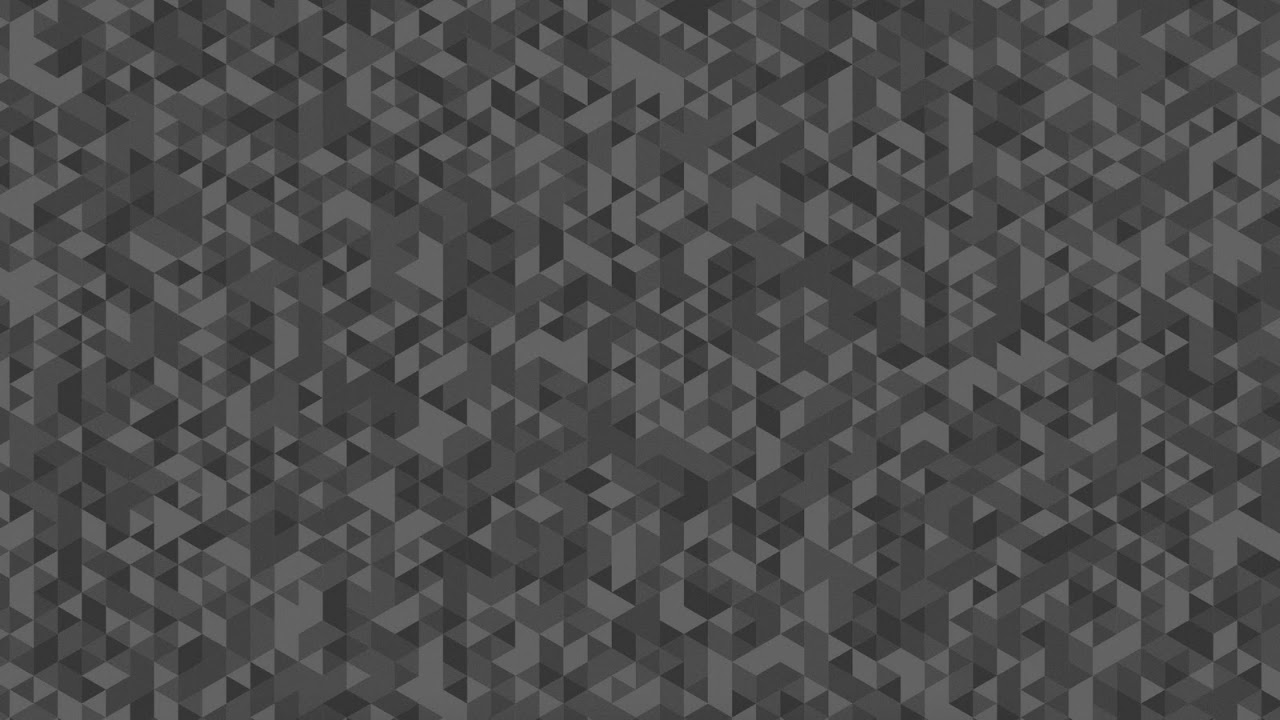
On TVs it's a 1280px × 720px image, which is HD, however YouTube recommends making banners at least 2048 × 1152 in size, which it definitely isn't. Fortunately, this is another easy fix! You may notice in the link above that there's a bit saying =w1280, and you can actually edit it to any number you'd like (as long as it's before 16384). I could get it at the recommended resolution by just changing it to say =w2048, and it can go as high as 2560 × 1440, twice the resolution as on the TV!
And that's how I found the banner! By just stumbling upon a feature that probably very few people notice, and a little bit of fiddling around. I'm very glad I discovered this, not only since I can now adorn my second channel with the real deal, but also for archival and informative purposes! Hopefully more people will now be able to see this full piece of YouTube's history.