My Screen Recording Issues In Geometry Dash

I have been thinking recently about recording some more Geometry Dash videos again, just for fun. Unfortunately, though, I've been faced by the harsh truth that every screen recording method I have is terrible.
Most of the GD videos I've already uploaded were recorded on my iPad, which has a 4x3 aspect ratio. This might work well if this were 15 years ago, but since 16x9 is now the universal standard, the shorter aspect ratio just looks super off, due to all the wasted space on the sides.
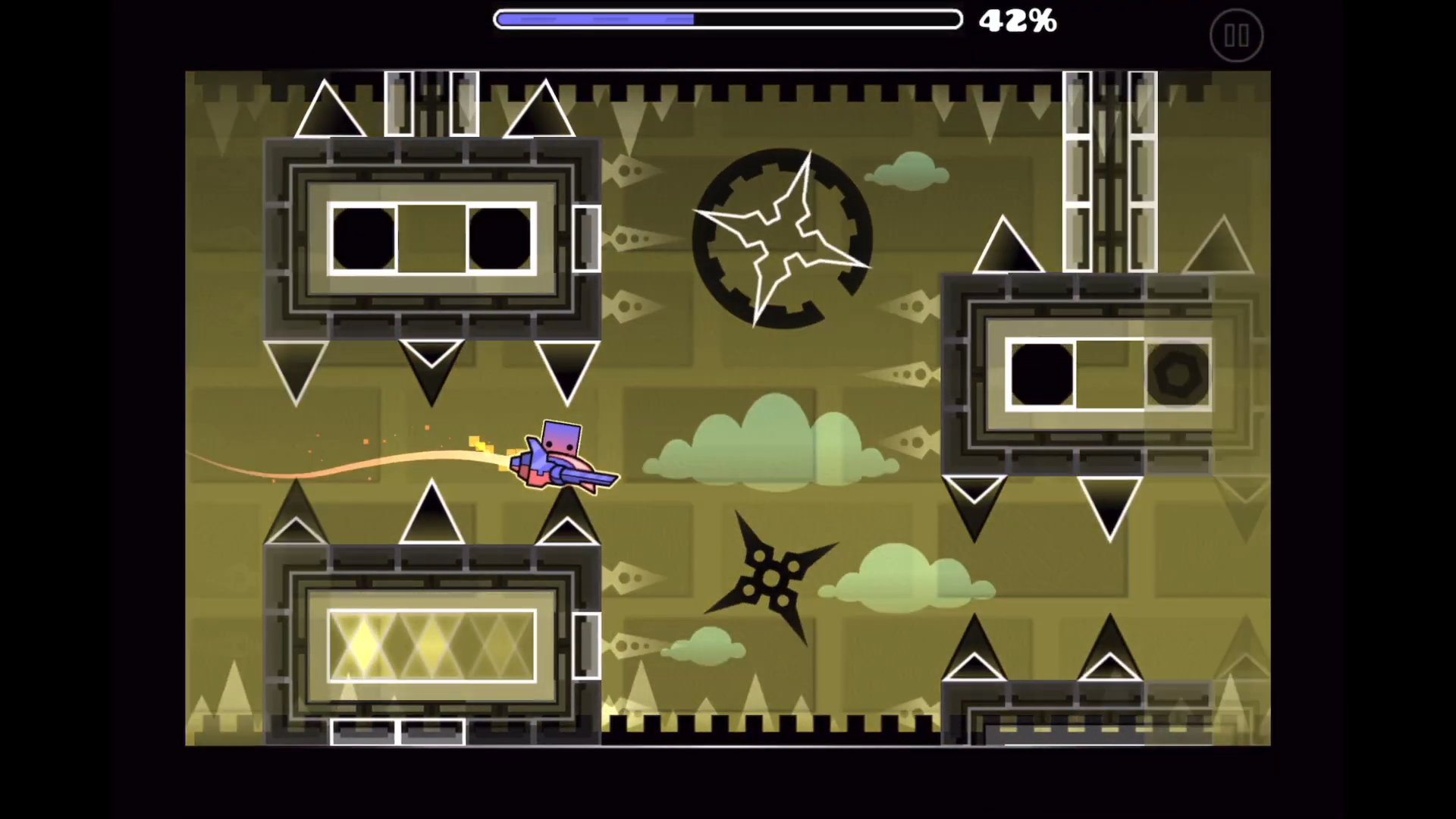
Now, I am a Mac user, so I usually play my games on MacOS whenever possible. That being said, though, I do have Parallels so I can run Windows on my computer as well, but for some reason Geometry Dash just refuses to load at all on Windows for me, so I just can't play it there.
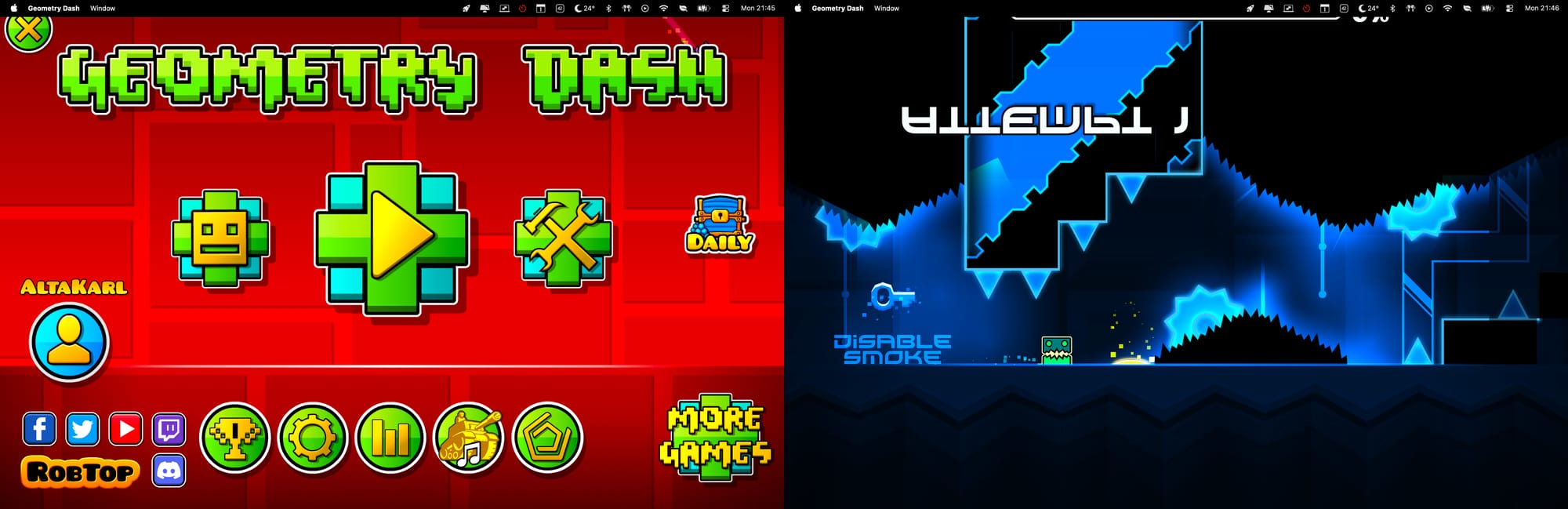
That leaves me stuck on the MacOS version, which has the caveats of running and rendering pretty badly, and worst of all, on the newer MacBooks with a notch on top it still goes up to the full screen height, meaning that part of the screen is just missing, including the progress bar.
The only real "solution" to this is to play in Windowed mode, but again, there's still the problem that the game just doesn't run smoothly in MacOS at all, and for some reason renders weirdly on certain quality settings.
Finally, there's the iPhone. While being the smallest of these mediums, and thus probably the hardest to play on, it's been what I've ultimately landed on.
My iPhone 13's screen is much wider than 16x9, so it's easy to crop for it to fit in the appropriate aspect ratio. It's even a bit of a good thing, as it automatically hides the pause button which is always visible!
Also despite being a relatively old phone which is a little slow now, it can still run the game at a nice 60 FPS with basically no lag spikes, and the screen is slightly larger than 1080p, so it has pretty good quality as well!
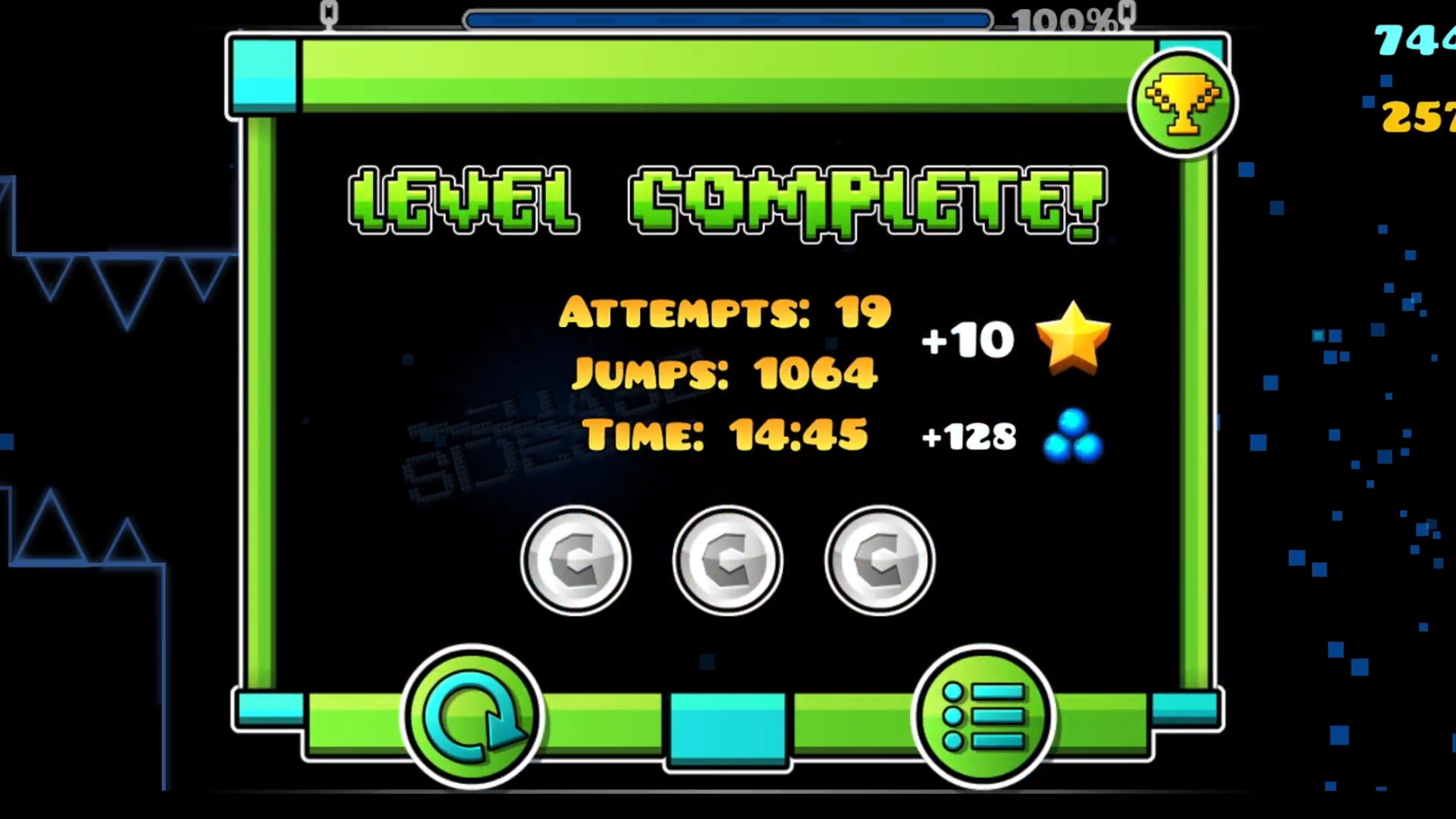
The only real issues with using my phone is, funnily enough, due to the wider aspect ratio. Because of it the end wall is cropped off, and so are the stats counters at the end of a level.
Ultimately, though, this is a pretty small caveat that only affects the very end of some levels, to ensure higher quality across the whole thing. Because of that, my iPhone is the way that I will be recording Geometry Dash videos from here on out!
Psst, by the way.
I usually don't like releasing two things on the same day, and that includes YouTube videos, but I wanna bring this up slightly earlier.
One of my closest friends made a really cool level called Sonder, which I also recorded a video of today! And I will be releasing it publicly tomorrow, but I did upload it unlisted today, so here it is early!
They don't currently follow my blog, so I don't know if they will see this, but regardless. mwahaha
I found quite a few swag routes btw